
Fully automated Sales Dashboard combining Google Sheets and Power BI, visualizing and centralizing key sales and finance KPIs based on data pulled from the HubSpot CRM.
Using Make.com as an integration layer, the workflow ensures regular data extraction from HubSpot, transformation into Google Sheets, and automated syncing into Power BI Online. The dashboards were designed to be interactive, filterable, and stakeholder-specific — helping leaders like the CEO, Finance, and CRO teams to make data-driven decisions in real-time.
Procedure:
In order to building the dashboard the ETL process was done as per the requirements, Power query was used to clean and transform the data and DAX was used for creating the culculated measures and culculated column.
Once done with the culculations, I have made visualizations and create report using cards, charts, slicer etc.
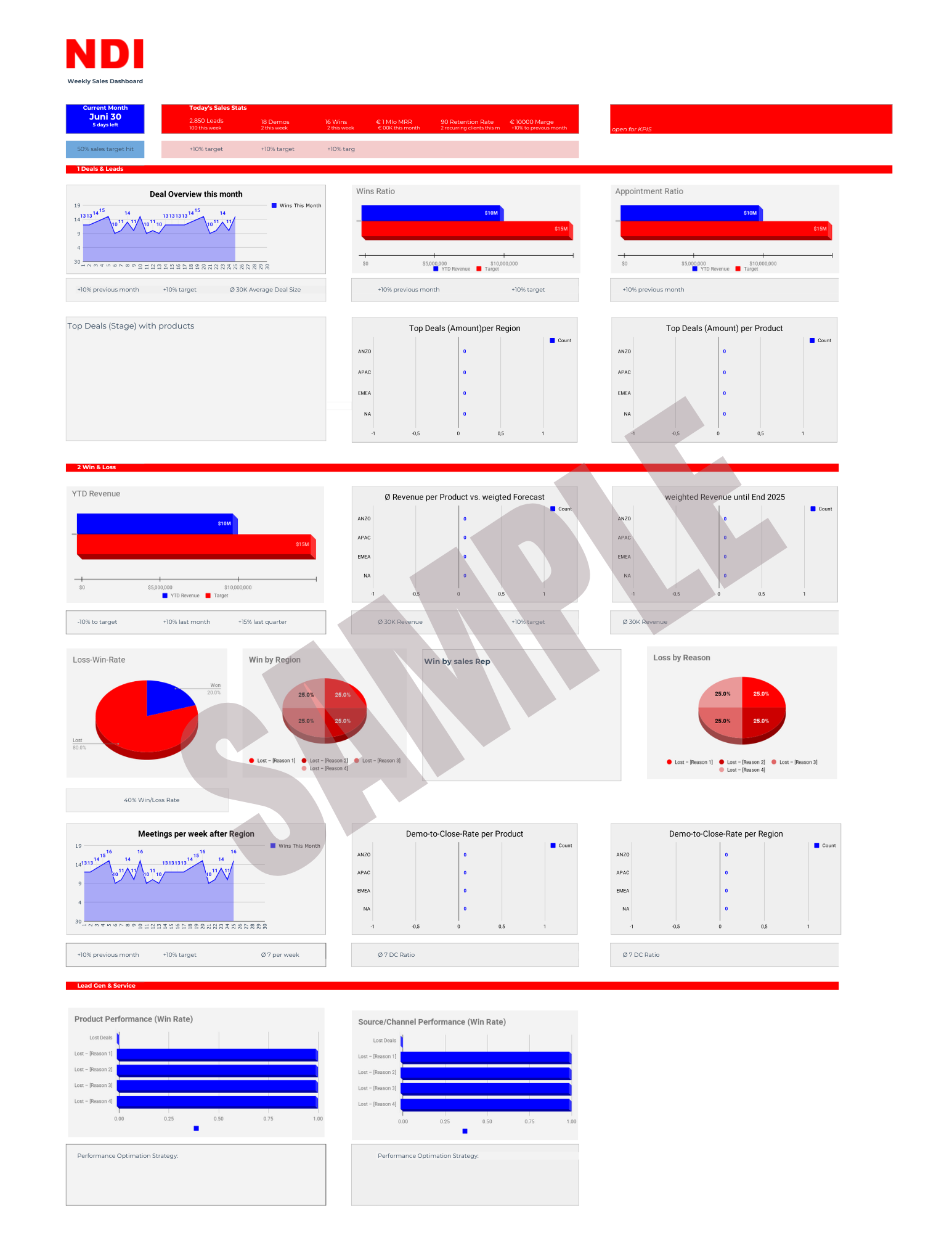
Results
Although the dashboard was not officially published due to internal restructuring, the system proved:
- The value of no-code automation for bridging CRM reporting gaps
- How Make.com can serve as a viable workaround for teams lacking native integrations
- The potential of Power BI as a central analytics hub even when data comes from less flexible systems like HubSpot
The architecture remains replicable and could be reactivated or scaled further in future projects or organizational rollouts.
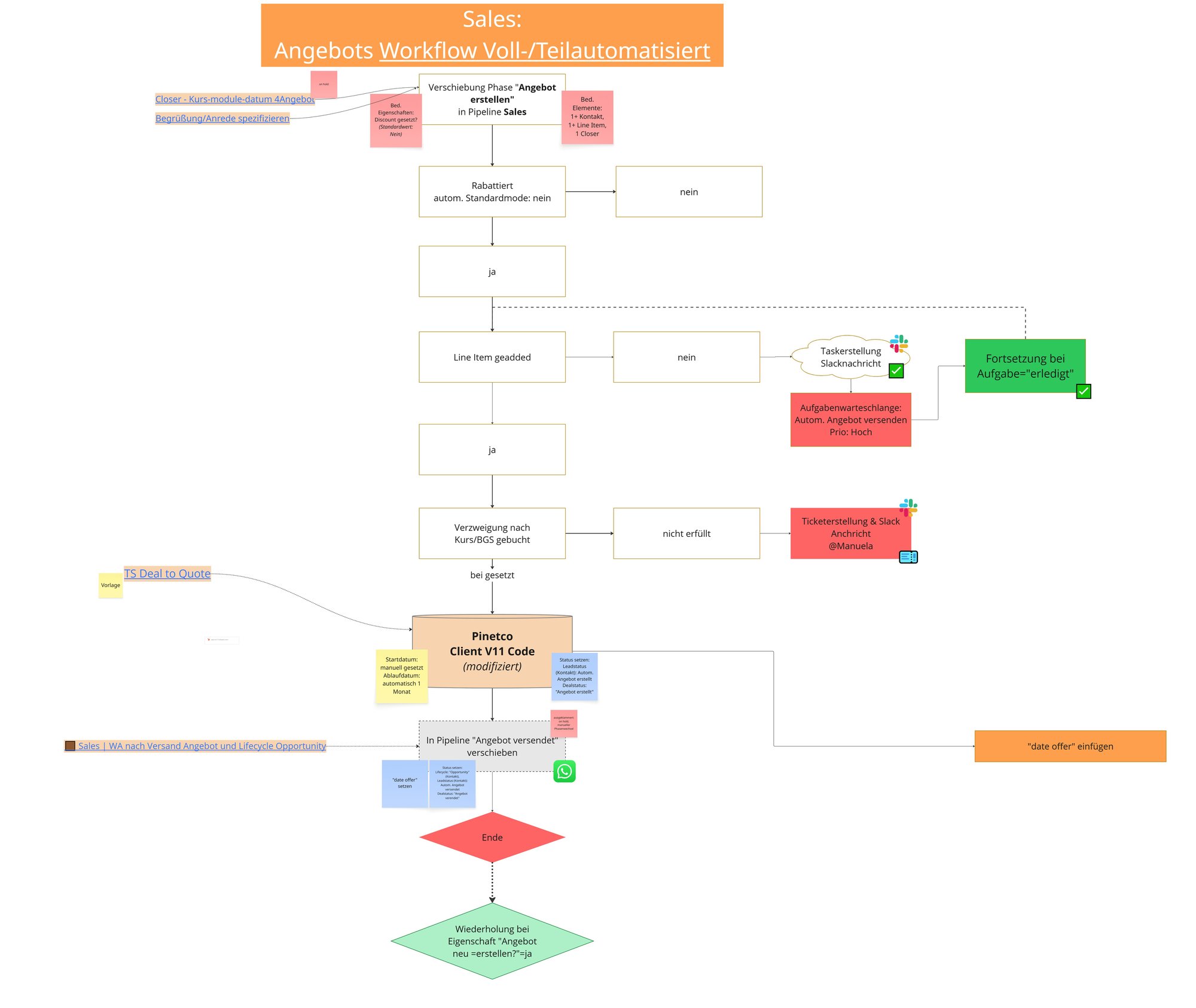
- The solution serves as a transitional automation framework, while paving the way for a fully code-based rollout. In the meantime, it offers near-full functionality and precision.